
Office Headset Buying Guide: How to Choose the Right Business Headset

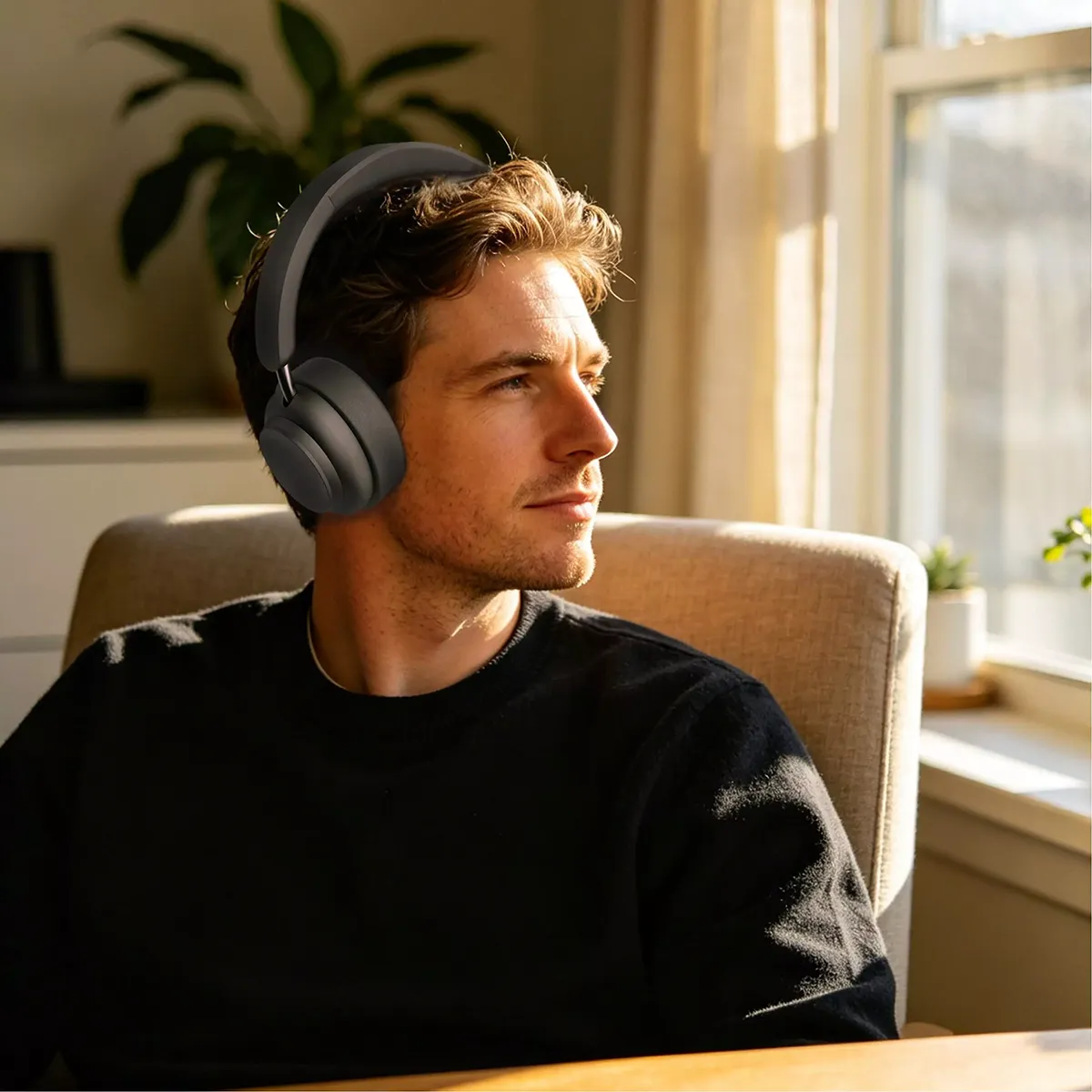
When purchasing office headsets, the first question is not which model has more features, but which type of headset matches the actual working environment.
An office employee joining Microsoft Teams meetings has different requirements from a customer service agent handling continuous phone calls. Connection method, microphone performance, wearing comfort and maintenance requirements all affect the final product selection.
Before placing an office headset order, procurement teams usually need to confirm:
How many users will be deployed?
Are users working at fixed desks or moving between locations?
Is background noise a problem in the working environment?
Which communication platforms need to be supported?
How will replacement and maintenance be handled after deployment?
This guide explains the key differences between USB office headsets, noise cancelling office headsets and Microsoft Teams headsets, helping businesses select the right headset based on application requirements.
Boxin develops and manufactures OEM and ODM headset solutions for global brands, distributors and enterprise customers, including office headsets, call center headsets and wireless communication headsets.
1.Select the Headset Based on the User Scenario
The same office headset configuration does not fit every department.
Before selecting a headset, companies should define the main usage scenario:
Office communication
Customer service
Hybrid work
Different applications require different priorities in terms of connection method, microphone performance and wearing comfort.
Office Communication
Office employees typically use headsets for:
Daily phone calls
Microsoft Teams meetings
Online collaboration
Internal communication
Key requirements:
Stable connection
Clear voice transmission
Comfortable wearing for long meetings
Easy deployment
Recommended headset types:
USB Office Headsets
Microsoft Teams Headsets
Wireless Office Headsets
For fixed workstations, USB office headsets are commonly selected because they provide a stable connection and simple installation.
Learn more about Boxin Office Headsets.
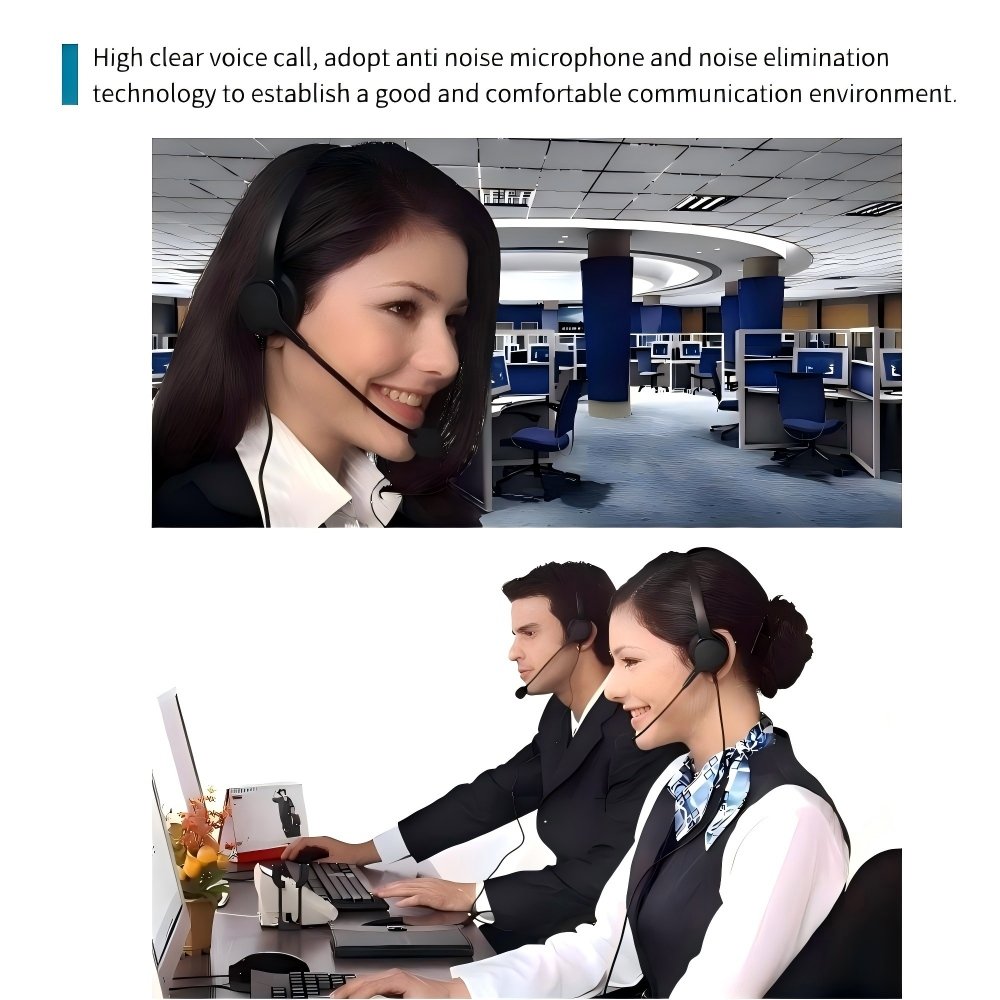
Customer Service and Call Center
Customer service teams and call centers have different requirements compared with general office users.
Typical working conditions include:
High call volume
Continuous conversations
Shared office environments
Long daily wearing time
Key requirements:
Clear microphone pickup
Noise reduction capability
Durable mechanical structure
Easy maintenance
Recommended headset types:
USB Call Center Headsets
QD Call Center Headsets
Noise Cancelling Call Center Headsets
For these applications, microphone performance and product durability are usually the main purchasing considerations.
Explore Boxin Call Center Headsets.
Hybrid Work
Hybrid work requires employees to switch between different working locations.
Typical applications:
Office and home working
Mobile meetings
Flexible workspaces
Key requirements:
Wireless connection
Battery performance
Charging convenience
Multi-device support
Recommended headset types:
Bluetooth Headsets
DECT Headsets
Wireless Headsets with Charging Base
Learn more about Boxin Wireless Headsets.
2. USB Office Headsets: A Practical Choice for Fixed Workstations
USB office headsets are widely used in corporate offices, call centers and enterprise communication environments.
They connect directly to computers through USB-A or USB-C interfaces.
When Should Companies Choose USB Office Headsets?
USB headsets are suitable for:
Employees working at fixed desks
Large-scale office deployment
Shared computer environments
Organizations requiring simple IT management
Advantages of USB Office Headsets
Stable Connection
A wired USB connection avoids common wireless management issues, including:
Bluetooth pairing problems
Battery charging requirements
Wireless connection interruptions
For IT teams managing a large number of devices, USB headsets simplify deployment and troubleshooting.
Easy Deployment
For enterprise projects, installation efficiency affects overall deployment cost.
USB office headsets typically provide:
Plug-and-play operation
Simple user setup
Minimal configuration requirements
Consistent Audio Performance
USB connection provides stable digital audio transmission for:
Voice calls
Video meetings
Online collaboration
For businesses prioritizing stable communication and easy deployment, USB office headsets remain a practical choice.
View Boxin USB Office Headsets.
3. Noise Cancelling Office Headsets: Choosing the Right Noise Reduction Technology
Noise reduction is an important requirement for office environments, especially open offices and shared workspaces.
However, different noise cancellation technologies solve different problems.
Microphone Noise Cancellation
Microphone noise cancellation focuses on reducing background noise captured by the microphone.
The purpose is to ensure that the person on the other side of the call receives a clearer voice.
ENC Noise Cancellation
ENC (Environmental Noise Cancellation) processes microphone signals to reduce surrounding noise.
Typical applications:
Open offices
Customer service areas
Shared workspaces
AI ENC Technology
AI ENC uses algorithms to analyze voice signals and environmental sounds.
It helps improve voice separation when multiple conversations happen in the same area.
Typical applications:
Open-plan offices
Team working areas
Customer support departments
For business communication, microphone noise reduction is usually the first priority because voice clarity directly affects customer calls and online meetings.
Speaker-Side Noise Reduction
Speaker-side noise reduction focuses on what the user hears.
Passive Noise Reduction
Passive noise reduction is achieved through physical design, including:
Ear cup structure
Acoustic materials
Ear pad sealing
ANC (Active Noise Cancellation)
ANC uses electronic processing to reduce environmental noise.
It is commonly used for:
Open office environments
Hybrid work
Mobile working scenarios
When selecting a noise cancelling office headset, companies should evaluate both microphone performance and user listening comfort.
Explore Boxin Noise Cancelling Office Headsets.
4. Microsoft Teams Headsets for Enterprise Meetings
Many organizations use communication platforms such as:
Microsoft Teams
Zoom
Google Meet
Cisco Webex
When selecting a Microsoft Teams headset, procurement teams should evaluate whether the headset provides the functions required for daily communication.
Platform Support
The headset should support the communication platforms used by the organization.
Call Control Functions
Common functions include:
Answer/end call
Volume adjustment
Microphone mute
These controls allow users to manage calls directly from the headset.
Busy Light Indicator
In open office environments, busy light indicators help colleagues identify whether someone is currently in a meeting or on a call.
This reduces unnecessary interruptions during working hours.
For Microsoft Teams headset projects, suppliers may also need to provide certification support during product development.
Learn more about Boxin Microsoft Teams Headsets.
5. Mono vs Stereo Office Headsets: Choosing Based on Work Requirements
The choice between mono and stereo headsets depends on the user’s daily tasks.
Mono Office Headsets
A mono headset has one speaker and keeps one ear open.
Common applications:
Customer service
Reception
Call handling
Advantages:
Lightweight design
Comfortable for long conversations
Allows awareness of surrounding communication
Mono headsets are commonly used in environments where employees spend most of their time on calls.
Explore Boxin Call Center Headsets.
Stereo Office Headsets
A stereo headset uses two speakers.
Common applications:
Online meetings
Individual workstations
Open office environments
Advantages:
Better sound isolation
Improved focus during meetings
Balanced audio experience
6. Wired vs Wireless Office Headsets
The choice between wired and wireless headsets depends on the working environment and management requirements.
| USB Office Headset | Wireless Office Headset | |
| Connection | USB cable | Bluetooth / DECT |
| Mobility | Limited | High |
| Battery management | Not required | Required |
| Deployment | Simple | Requires pairing |
| Best application | Fixed desks | Hybrid work |
Bluetooth Headsets
Bluetooth headsets are suitable for:
Mobile employees
Hybrid workers
Multi-device users
Important factors include:
Bluetooth version
Battery capacity
Wireless range
Device switching
DECT Headsets
DECT headsets are designed for professional wireless communication.
Key advantages:
Longer wireless range
Stable connection
Enterprise deployment capability
They are commonly used in offices where wireless reliability is required.
Wireless Headsets with Charging Base
Charging base solutions are suitable for organizations requiring:
Centralized charging
Cleaner workspaces
Easier device management
Explore Boxin Wireless Headsets with Charging Base.
7. Key Procurement Factors for Office Headsets
For enterprise customers purchasing hundreds or thousands of headsets, product specifications are only part of the evaluation.
Long-term reliability and maintenance requirements also affect the total cost of ownership.
Product Durability
Important factors include:
Cable strength
Button lifetime
Headband durability
Microphone boom rotation
Business headsets are expected to handle frequent daily use, so mechanical reliability is an important evaluation point.
Maintenance Requirements
For call centers and large offices, reducing replacement costs is important.
Useful design features include:
Replaceable ear pads
Replaceable cables
Modular components
QD headsets are commonly selected for call center environments because the cable can be replaced separately without replacing the entire headset.
Learn more about Boxin QD Call Center Headsets.
8. Choosing an Office Headset Manufacturer
For brands, distributors and enterprise projects, supplier capability directly affects product quality, delivery and long-term cooperation.
A qualified office headset manufacturer should provide support throughout the product development and manufacturing process.
Engineering Development Capability
A complete headset development process includes:
Product design
Acoustic engineering
Electronic development
Prototype verification
Manufacturing Capability
Important manufacturing capabilities include:
Tooling development
Injection molding
PCB assembly
Product assembly
Quality inspection
Certification Support
Global headset projects may require certification support, including:
CE
FCC
RoHS
Boxin has more than 30 years of headset manufacturing experience and provides OEM and ODM headset development services for global customers.
Learn more about Boxin OEM & ODM Headset Manufacturing.
Conclusion
Selecting the right office headset starts with understanding the actual working environment and communication requirements.
Before purchasing, companies should evaluate:
User application
Connection method
Microphone performance
Noise reduction requirements
Platform support
Maintenance requirements
Supplier manufacturing capability
Boxin manufactures office headsets, call center headsets and wireless communication solutions for global brands, distributors and enterprise customers.
With in-house engineering, manufacturing and quality control capabilities, Boxin supports customers from product development and verification to mass production.
Contact Boxin for your next headset project.